
If you work in logistics, you know the pain of the “Manifest.”
At GB Terminals, we handle thousands of vehicles arriving from all over the world—Ineos Grenadiers, Stellantis EVs, luxury Aston Martins. Every ship brings a new load, and every load brings a spreadsheet.
The problem? No two shipping lines format their data the same way. One file calls the VIN column Chassis_No, another calls it VIN_17. One sheet has the data starting on Row 2, another hides it under a Pivot Table on Row 15. Some manufacturers prefix their models with internal codes (like P208 for a Peugeot 208), while others include the brand name in the model field (INEOS GRENADIER).
Our internal system, VDAT, needs strict, clean CSVs to import these vehicles. For a long time, “cleaning the data” meant a human (often me) copy-pasting columns, deleting prefixes, and hunting for duplicates at 7 AM.
That’s a waste of brainpower. So, I built a tool to kill the drudgery.
Introducing TS_XL_Modifier
TS_XL_Modifier is a web-based utility designed to sit between the Shipping Line and our Database. It’s a “sanitation layer” that accepts messy input and forces it into a standardized output.
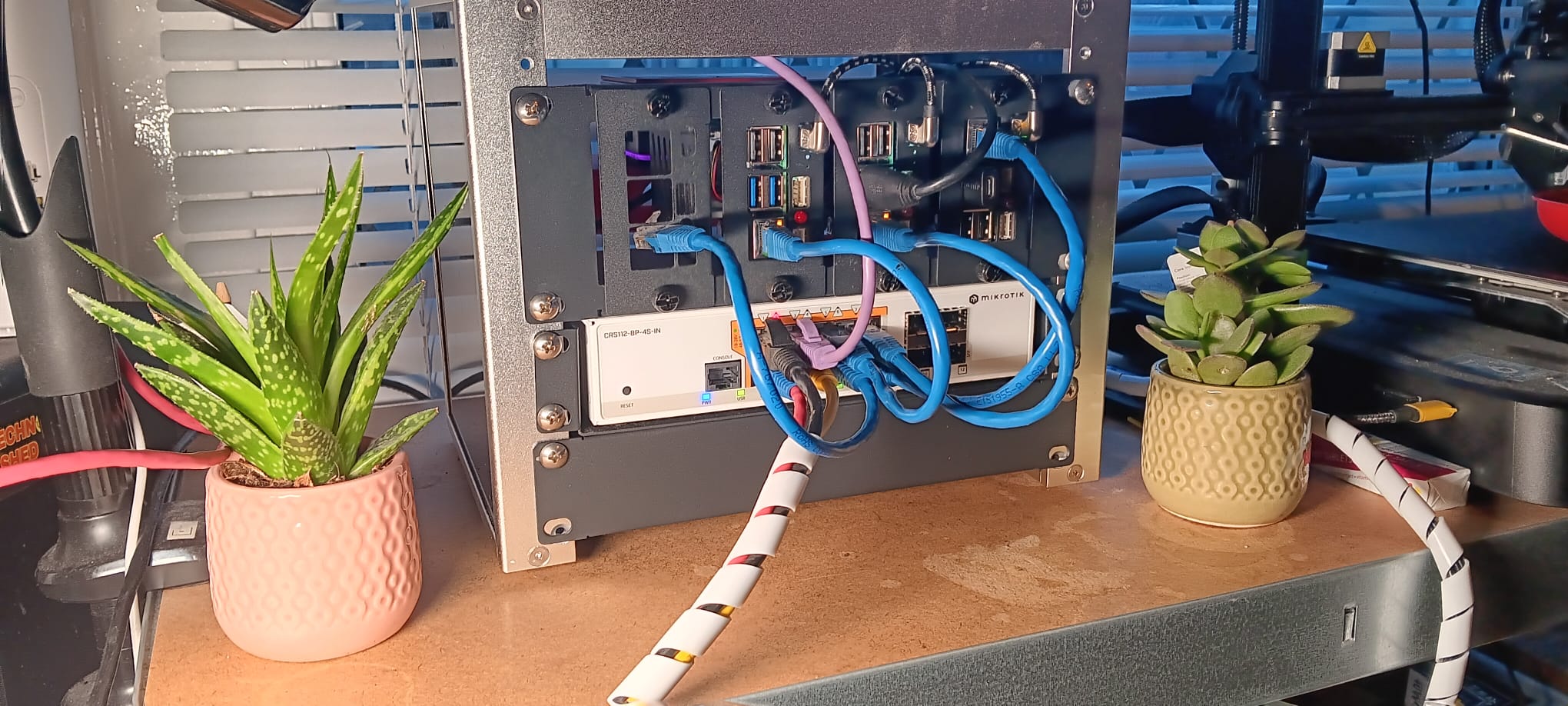
It runs in a Docker container on my local server (a Raspberry Pi 4, naturally), meaning it’s always on, accessible from any browser in the office, and requires zero installation for my team.
How it Works (The “Shed” Logic)
I built the backend using Python and Pandas for the heavy data lifting, and Streamlit for the frontend UI. I chose Streamlit because I didn’t want to waste time writing HTML/CSS—I just wanted a drag-and-drop box that works.
Here is the logic stack under the hood:
- The “Header Hunter”: The script scans every sheet in an Excel workbook. It ignores junk rows, logos, and Pivot Table summaries, hunting specifically for a row that contains keywords like
VINorCHASSIS. Once found, it locks onto that row as the true header. - Brand Normalization: It maps incoming brand names to our internal 3-letter codes.
CitroenbecomesCITR.Jaguar LandroverbecomesJLR. - The “Prefix Stripper”: This was the fun part. Legacy manufacturer systems often export model codes like
OASTRA(Opel Astra) orCC3(Citroen C3). The tool detects the brand and surgically removes these prefixes so the database stays clean. - Deduplication: If a VIN appears in multiple tabs (common with “Update” files), the tool keeps the first valid record and discards the rest.
V2.0: The “Paper Problem”
Most data comes digitally, but occasionally (looking at you, KESS & Hoedlmayr), we get a truck or a ship with just a physical A4 stack of paper.
For v2.0, I integrated the Tesseract OCR engine. Now, the app has a “Camera” tab. We can snap a photo of the paper manifest, and the app uses Optical Character Recognition to pull the 17-digit VINs directly off the page, defaulting the Make/Model based on our selection.
The Stack
For the nerds asking “How do I run this?”, here is the docker-compose setup. It’s incredibly lightweight:
- Language: Python 3.9
- Libraries: Streamlit, Pandas, OpenPyXL, Pytesseract
- Deployment: Docker + Cloudflare Tunnel (for secure remote access without VPNs)
Why It Matters
This project is classic TechnoShed philosophy: Don’t adapt to the tool; build a tool that adapts to you.
We took a process that was fragile, manual, and boring, and turned it into a 5-second drag-and-drop operation. The result is fewer data entry errors, cleaner databases, and more time to focus on the actual cars.
The code is available for reference on the TechnoShed GitHub.
Karl is the Compounds Team Leader at GB Terminals and the owner of TechnoShed. When he’s not managing vehicle logistics, he’s usually breaking things with Python.