
Following on from our last update on OCR automation, RBAC, and High Availability, it was time to address the elephant in the room: Performance.
When you build a system that works, people use it. When people use it, the database grows. Over the last few months, the GTC Terminal Tracker went from a clever Python script to a mission-critical piece of infrastructure for the team at GB Terminals.
But as the historical data piled up into the tens of thousands of rows, the application started to creak. Loading the “History” tab meant pulling every single load ever built into a Pandas DataFrame just to render a UI table. The Streamlit interface was getting sluggish, and concurrent operations (like the yard staff building a load while the AS/400 sync script tried to ingest a new file) were starting to cause traffic jams.
Here is how we moved the Terminal Tracker to a dedicated VPS, switched to MariaDB, and chopped the monolithic app into lightning-fast micro-applications.
1. Outgrowing the Shed: The Move to a VPS
Initially, running the tracker locally or on basic hosting was fine for a proof of concept. But with compound staff relying on the app via mobile telephones in the yard, and the back office needing instant PDF generation for the transport drivers, we needed guaranteed uptime and more horsepower.
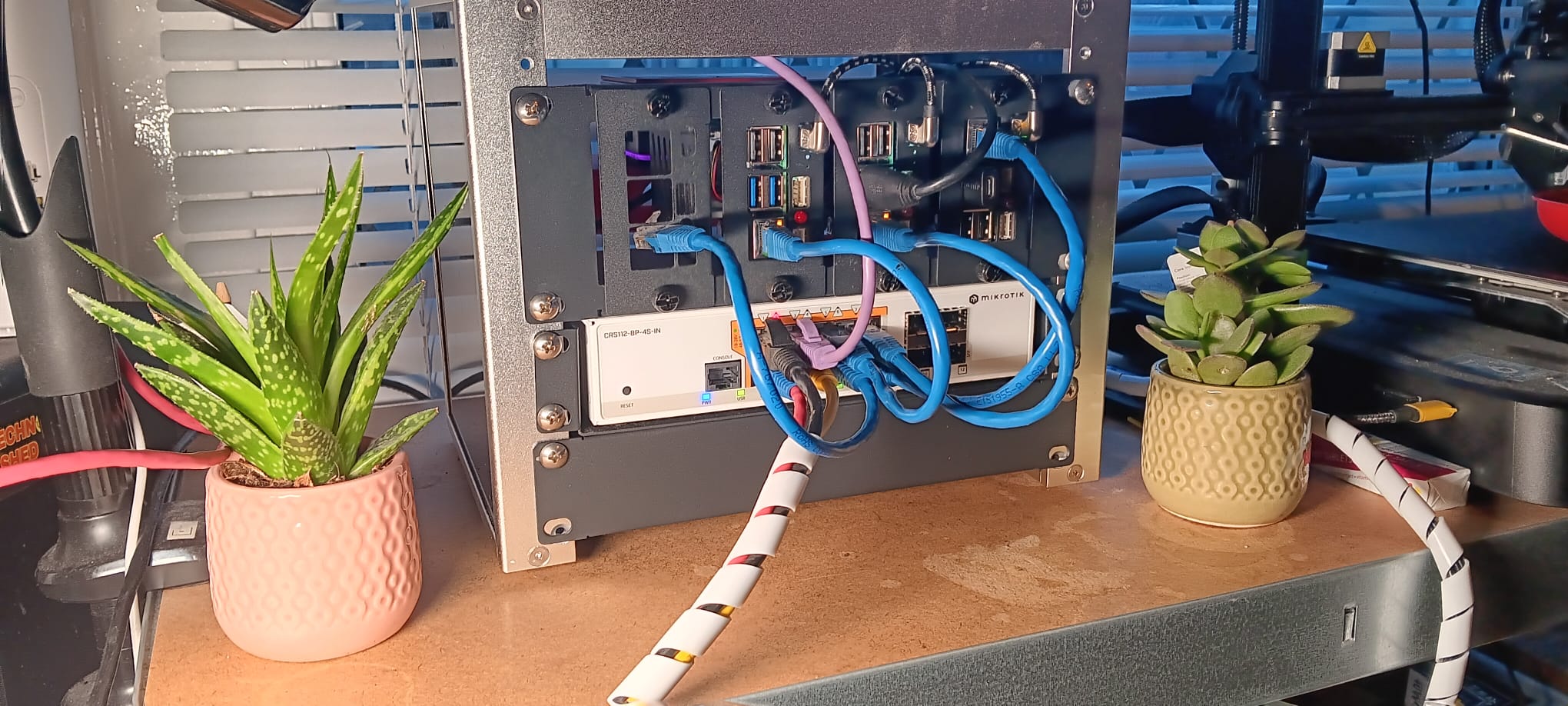
We migrated the entire stack to a dedicated Virtual Private Server (VPS). Utilizing Docker Compose, we containerized the application environment. This gave us:
- Total Isolation: The app runs in its own sandbox with its exact Python 3.11 dependencies, Tesseract OCR binaries, and PyMuPDF libraries.
- Always-On Reliability: Docker handles auto-restarts and process management.
- Persistent Volumes: We mapped local directories for our
/PUBLIC/signaturesand/pending_scans, meaning we can destroy and rebuild the app containers without ever losing a single captured driver signature or AS/400 sync file.
2. Ditching Pandas for MariaDB (Pushing Logic to the Metal)
Streamlit and Pandas are an incredible combination for rapid data visualization, but they are not designed to act as a production database engine.
Previously, to check if a load was fully despatched, the app would download the entire JSON manifest of units into a Pandas DataFrame and filter it in memory. Doing this for hundreds of loads simultaneously was crippling the server’s RAM and CPU. Furthermore, our trusty SQLite database, while amazing for prototyping, locks the entire database file during writes.
The Solution: We fully migrated to MariaDB. Instead of pulling data into Python to ask questions, we started asking the database directly.
We replaced massive Pandas loops with blazing-fast SQL queries. For example, to check if a load is ready to be archived, we no longer load it. We simply ask MariaDB:
SELECT COUNT(*) FROM inventory WHERE VIN IN (...) AND STATUS_CODE != 800
If the count is 0, the load is fully despatched. This takes milliseconds.
We applied the same logic to the active Vessel/Voyage plans. Using SQL HAVING MIN(STATUS_CODE) = 800, the database instantly filters out “Sailed” voyages before the data ever reaches the Python app. The UI is now completely decoupled from heavy data processing.
3. Slicing the Monolith: A Micro-Application Architecture
The biggest architectural shift was realizing that a single app.py trying to serve the office, the yard, and background cron jobs was a recipe for disaster. We split the Terminal Tracker into three distinct, purpose-built micro-applications:
📱 1. yard.py (The Mobile Client)
The guys out in the compound don’t care about historical archives, AS/400 sync logs, or OCR signature processing. They just need to scan a VIN and build a load fast. We built yard.py as a lightweight, mobile-first interface. It uses strict 14-day SQL cutoffs to ensure it only ever loads data from the active workweek. It is incredibly lean, features mobile keyboard suppression for barcode scanners, and loads instantly on the yard mobiles.
🖥️ 2. app.py (The Back Office Admin)
The main app.py was heavily pruned. We stripped out the manual import tabs, the heavy Pandas locational arrays, and the bulky messaging board. Now, it serves purely as a high-speed dashboard for the office team to manage the Master Print Queue, view live compound statistics, and access the Historical Archive. Because the “Archived” loads (Status 3) are now filtered dynamically by MariaDB, the active queue stays completely clear of clutter.
⚙️ 3. sync_worker.py (The Headless Workhorse)
This was the real game-changer. We offloaded all the CPU-heavy tasks into a headless background worker that runs silently on the VPS.
- AS/400 Auto-Ingestion: It watches the FTP directory, parses the incoming CSV/Excel files using native Python dictionaries (bypassing Pandas entirely to avoid
NaNartifact bugs), and updates MariaDB in real-time. - The Despatch Tracker: Every 60 seconds, it asks MariaDB if any active loads have hit a 100% despatch rate. If they have, it bumps their status automatically.
- OCR Signature Linking: When the office drops a scanned batch of Gate Releases into the system, the worker silently slices the PDFs, crops the signatures using OpenCV, reads the Load Reference with Tesseract OCR, and archives the load in the database.
The Result
By letting the database do the filtering, isolating the UI into role-specific micro-apps, and moving the heavy lifting to headless background threads, the system’s performance has skyrocketed.
UI load times dropped from seconds to milliseconds. The “Overlay Lag” on massive tables is gone. The office staff have a clean Master Print Queue, the yard staff have a lightning-fast mobile app, and the background worker happily churns through data and OCR scans without ever interrupting the human users.
It took a few late nights, a lot of hyperfocus, and a complete teardown of our legacy logic, but the Terminal Tracker is now running on a genuinely enterprise-grade architecture.