It started, as most IT disasters do, with the phrase: “I’ll just make this one small optimization.”
The TechnoShed homelab is a busy ecosystem. I’ve got Home Assistant managing voice pipelines with Whisper and Piper, a fleet of ESPHome devices reporting in, and a full media acquisition stack—SickChill, Radarr, Jackett, Transmission—churning away in the background to feed the Jellyfin server.
Everything was humming along perfectly. Green lights across the board. Then, I decided to tweak a setting in my Cloudflare Tunnel configuration to tidy up some routing applications.
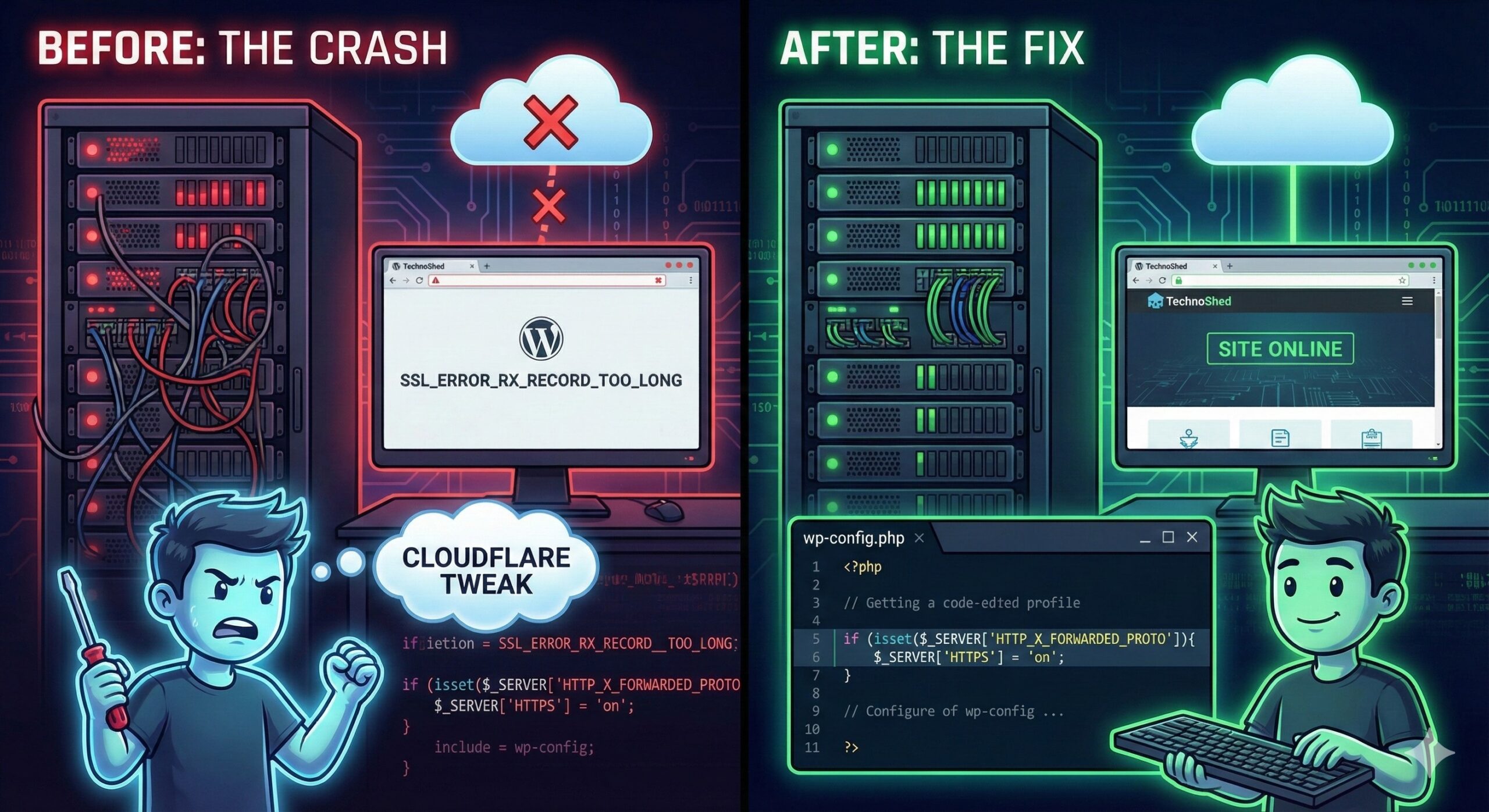
Enter key pressed. Site Status: DEAD.
Suddenly, my browser was shouting SSL_ERROR_RX_RECORD_TOO_LONG at me. My local IP access was redirecting into the void. The WordPress dashboard—the public face of this whole operation—was a memory.
Here is the post-mortem of how I spent my evening chasing a ghost in the machine, and the three lines of code that brought the shed back online.
The Symptom: The Infinite Loop of Doom
The error looked scary, but the behavior was worse.
- Public Access:
Secure Connection Failed. The browser was trying to shake hands with SSL, and the server was screaming back in plain text. - Local Access: Even trying to bypass the tunnel and hit the container directly on
10.0.1.2:8099failed. It would load for a millisecond, then force-redirect tohttps://...and crash.
In a stack this complex, my first thought was a port conflict. With FlareSolverr handling proxies, Transmission moving data, and Home Assistant doing its own networking magic, I wondered if two containers were fighting for the same “parking spot” or if a firewall rule had gone rogue. I spent a good hour checking docker ps, auditing ports, and staring at logs.
It was a Red Herring. The containers were fine. The databases were fine. The problem was an Identity Crisis.
The Diagnosis: WordPress vs. Cloudflare
The issue wasn’t the server; it was a miscommunication between the Gatekeeper (Cloudflare) and the Resident (WordPress).
Here is the architecture:
- The World: Talks to Cloudflare via HTTPS (Encrypted).
- The Tunnel: Talks to my Raspberry Pi via the tunnel daemon.
- The Docker Container: Receives the traffic as HTTP (Unencrypted) on port 8099.
When I tweaked the tunnel config, WordPress suddenly realized: “Wait a minute! I’m receiving unencrypted traffic! My settings say I should be Secure! I must save the user!”
So WordPress issued a 301 Redirect to the HTTPS version of itself.
- Browser sends HTTP request.
- WordPress redirects to HTTPS.
- Cloudflare handles the HTTPS and sends it back to the container as HTTP.
- WordPress sees HTTP again… and redirects again.
Result: An infinite loop that confused the browser into thinking the SSL handshake was broken.
The Fix: The Override Switch
We couldn’t fix this in the database because the database was technically “right” (the site is HTTPS). We had to force WordPress to understand the Tunnel architecture.
We opened the wp-config.php file directly on the server and injected a “Translation Layer.”
The Code:
PHP
/**
 * TECHNOSHED PROXY FIX
 * Fixes the Cloudflare Flexible SSL Loop
 */
if (isset($_SERVER['HTTP_X_FORWARDED_PROTO']) && $_SERVER['HTTP_X_FORWARDED_PROTO'] === 'https') {
    $_SERVER['HTTPS'] = 'on';
}

// Force the Identity (Stop the database from redirecting to 'www')
define('WP_HOME', 'https://www.technoshed.co.uk');
define('WP_SITEURL', 'https://www.technoshed.co.uk');
What this does:
- The
ifstatement: It checks for a note from Cloudflare (HTTP_X_FORWARDED_PROTO) that says, “Don’t worry, the user is secure on my end.” $_SERVER['HTTPS'] = 'on';: It lies to WordPress. It tells the core system to treat the connection as secure, even though it arrived over HTTP.- The
definelines: It hardcodes the site URL, overriding any “www” redirects or database errors that might send traffic to the wrong place.
The Takeaway
In the world of Homelabs and Self-Hosting, “secure” doesn’t always mean “encrypted all the way.” Sometimes, whether you are running a simple blog or a massive media empire with Radarr and Jellyfin, you have to teach your applications to trust the proxy sitting in front of them.
The TechnoShed is back online. The ports are secure. And I am absolutely not touching that Cloudflare setting again.
Time for a beer. 🍺